
Knowledge base
October 14, 2026
Password Managers for Small and Medium-Sized Businesses: Why Now, and How Passkeys Fit Into the Picture
On February 1, 2027, Microsoft will stop using SMS codes for sign-in. A replacement has been arranged for your Microsoft account: the passkey. You can find out what this means for your team in the blog post about Microsoft’s changes this fall.
But that’s just one account. Your accounting software, your bank, your wholesaler’s portal, and your company’s social media page will still use passwords. You’ll have to manage those yourself.
This blog is about those other accounts: where passwords are actually stored, what happens when someone leaves, and why a business password manager is now the logical next step after the passkey.
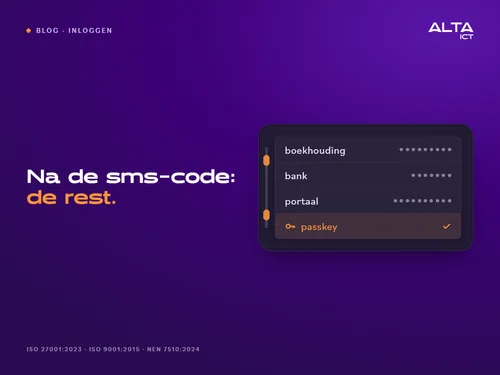
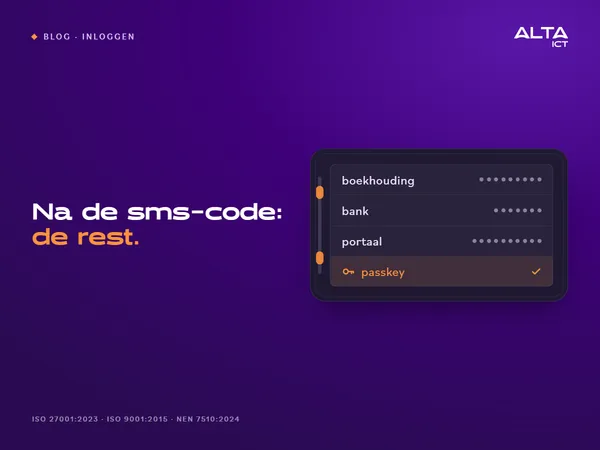
After the text message: the rest
The NCSC notes that the average user has dozens of personal and business accounts. For one of them, Microsoft is now implementing a replacement for the SMS code. For the rest, it’s up to you.
The NCSC recommends using a password manager as a tool for managing those passwords in encrypted form. For an individual, this is a good habit. For a team, it’s a management practice.
Where Passwords Are Actually Stored
During intakes, we ask where passwords are stored. The honest answer is almost never “in one place.” Some are stored in the browser. Some are in a note on the phone. The password for the online store is in a spreadsheet called “passwords.” And the Wi-Fi password is written on a Post-it note next to the coffee machine.
Any spot will do—until someone else needs to step in. A colleague who’s sick, an administrator who needs to fix something, or a successor who’s taking over the account. Count the number of spots for yourself. If there’s more than one, that’s where the conversation begins.
Termination and Shared Accounts
An employee is leaving. You deactivate their Microsoft account the same day. That’s on the checklist.
The shared login for the supplier portal isn’t listed there. Neither is the one for social media or the online store, where everyone uses the same password. He still remembers them all—usually without any ill intent. It’s a password that’s never been changed.
A business password manager organizes shared accounts into team folders, with permissions set for each colleague. When an employee leaves, you can revoke access all at once, and you know exactly which passwords to change. Without a password vault, you wouldn’t even know which ones those are.
Passkeys in plain language
A passkey is a key that your device stores, and which you unlock using your fingerprint, face, or a PIN. There’s nothing to type. More importantly, the key is tied to a single website. If a fake site tries to lure you to a login page that looks exactly the same, the passkey will reject it. This effectively thwarts phishing attempts during the login process itself.
More and more services support passkeys. A good password manager stores them along with your passwords. That way, they aren’t tied to a single phone, and you can share a passkey for a shared account with colleagues just as you would share a password.
You can’t see a leaked password
An online store where a colleague once created an account is leaking its customer data. The password then ends up on a list that criminals use to try to log in to other services. If that colleague used the same password for his email, they’ll be able to log in there. No one notices anything until strange invoices start going out.
A business password manager can compare stored passwords against known data breaches and alert you if one is found. Then you can change it before anyone uses it.
Grant for the password manager
The password manager is included in the list of eight measures from Mijn Cyberweerbare Zaak. Applications can be submitted through November 30, 2026, at 5:00 p.m., and funding will be allocated on a first-come, first-served basis.
The order is set. First, complete the NCSC’s CyberVeilig Check and download your action list. Then, purchase the solution and keep your invoice and proof of payment. Only then should you submit your application to RVO. Anything you purchased or paid for before September 7 does not count toward the program.
One thing you can do in ten minutes
Find out who will be locked out on February 1. The Tenant Check requires an administrator account and does not include PIM-eligible administrators. However, in two minutes, it shows which users have only SMS or phone as their second step, in addition to your MFA coverage and your administrator accounts. It does not store any data from your tenant.
How ALTA-ICT Sets It Up
We provide Keeper as a business password manager, as an add-on to the modern workplace. We don’t start with the software, but with an inventory: which shared accounts exist, who uses them, and which ones belong to a client or vendor. Then we set up team folders and permissions, migrate the shared accounts, and train the team on how to use them. The resulting report then serves as evidence for auditors or clients.
We’re making the transition ourselves, too. For us, most of the work involved the inventory, not the installation. That’s why we’re starting there with our customers as well. We operate in accordance with ISO 27001:2023, ISO 9001:2015, and NEN 7510:2024.
Frequently Asked Questions
Isn’t the password manager in my browser enough?
It works for one person on one device. It doesn’t work for a team: you can’t assign permissions to individual colleagues, and when someone leaves, you can’t see which shared passwords they knew.
Does a passkey replace a password manager?
No. A passkey replaces the password for services that support passkeys. The password manager stores both, so they aren’t tied to a single phone.
What if the password manager itself gets hacked?
A business password manager encrypts the vault on the device using a key that the provider does not have. You secure the vault itself with a strong master password and two-factor authentication.
Am I eligible for a grant for a password manager?
The password manager is on the “My Cyber-Resilient Business” list through November 30, 2026, and while funds last. First, complete the CyberVeilig Check; then make the purchase; then submit the application.
How long does the transition take?
Setup is quick. Taking inventory of shared accounts takes the most time, and that depends on how many are in use within your team.
Conclusion
Microsoft handles the replacement for the SMS code for your Microsoft account. For all other accounts, it’s up to you. A business password manager centralizes those accounts in one place, assigns permissions to each colleague, alerts you if a password is compromised, and provides a secure storage location for passkeys that isn’t tied to a single phone.
Want to know which shared accounts are in use within your team? Schedule a meeting with ALTA-ICT. We’ll start by taking stock.
Want to know more?
Related
blogs



Tech Updates: Microsoft 365, Azure, Cybersecurity & AI – Wekelijks in je Mailbox.