AI is not an end in itself
Copilot’s promise was clear. Less manual labor. Faster work. Smarter support. In practice, not every AI feature actually adds value. Users experience noise. IT teams see additional management. Security and privacy officers ask legitimate questions about data usage and logging.
Microsoft is now listening more emphatically to those signals. That’s positive. But it also shows that standard AI integrations do not automatically fit every organization.
For your IT strategy, this means something important. AI must be a tool. Not a standard layer you put on top of it blindly.
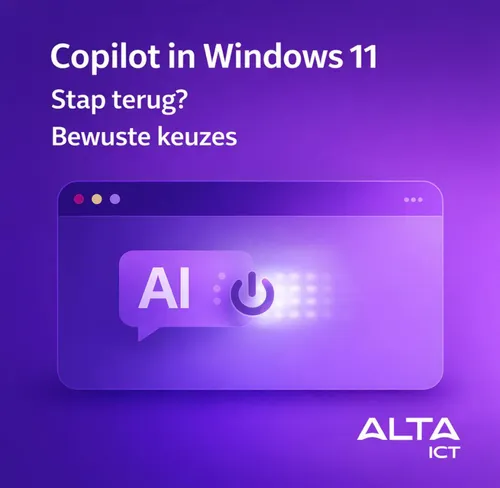
Specifically, what is going on with Windows 11
The discussion surrounding Recall is making a lot of noise. Continually saving screenshots to find context later sounds convenient. But it immediately raises questions about privacy, data minimization and AVG compliance. Especially in Dutch organizations where sensitive data appears on screens every day.
Even smaller Copilot features in standard apps do not always turn out to be used. Or they deliver too little relative to the risks and complexity they introduce.
Microsoft is therefore considering removing, limiting or repositioning features. Less prominent. More opt-in. More user and organizational control.
This fits with a broader trend. AI is shifting from hype to selection.
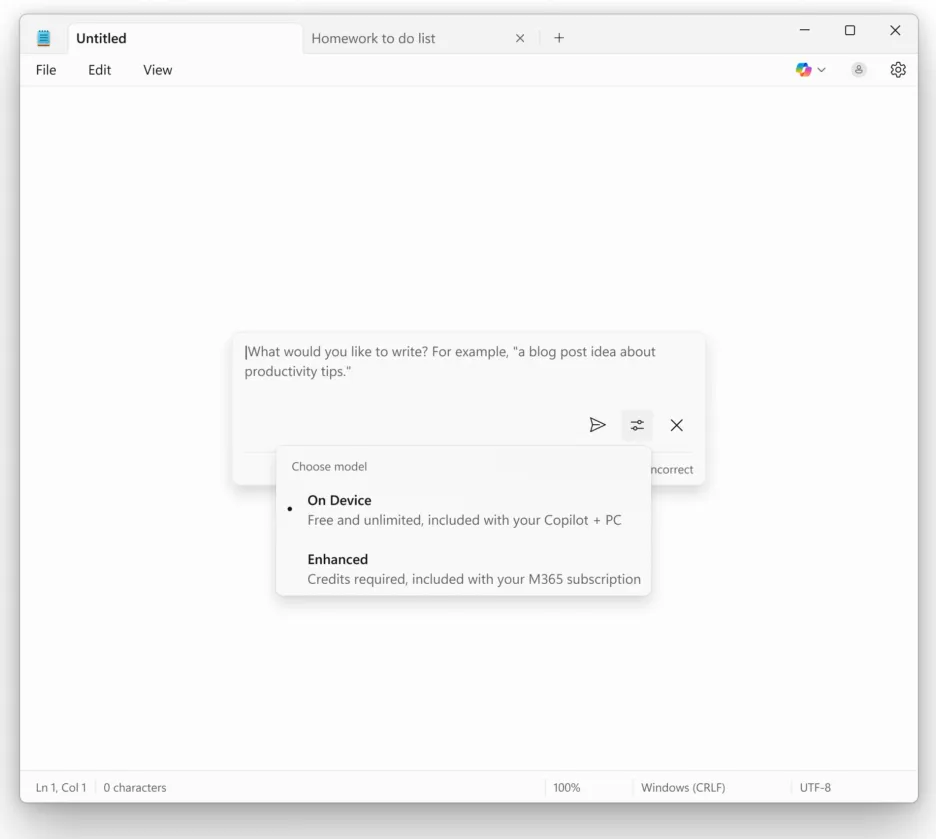
AI function in Notepad
What does this mean?
For organizations in the Netherlands, this is the time to take a sharper look at their AI choices. Not what can be done, but what really adds something.
A few questions to ask yourself:
- Which AI functionalities are actually used by employees?
- What data is being processed and where does that data reside?
- Does this fit within our AVG risk assessment?
- Who is responsible for management, monitoring and incidents?
- Does it deliver measurable time savings, quality improvement or risk reduction?
Without clear answers, AI quickly becomes another layer of complexity. And complexity costs money, time and focus.
AI requires direction, not defaults
What we’re seeing now with Microsoft Copilot confirms a point we make more often. AI only works well if you take direction. That means making conscious choices. Turning on functions that fit your processes. Turning off functions that don’t.
In many Microsoft environments, AI is now ready in several places. In Windows. In Microsoft 365. In security tooling. Without clear frameworks, fragmentation ensues.
For IT managers and boards, this is a governance issue. Who decides what will and will not be used. Based on what criteria. And how do you ensure that it stays that way after updates.
The role of compliance and security
In the Netherlands, compliance always comes into play. AVG is not a checkmark. It is an ongoing process. AI functionalities that automatically analyze, summarize or store content touch directly on privacy principles such as data minimization and purpose limitation.
On top of that, vendors continue to adjust their AI models. What seems to run locally today may be set up differently tomorrow. Without monitoring, you are behind the times.
That’s why AI should be part of your security and compliance policies. Just as identity, logging and endpoint management are.
The approach of ALTA-ICT
At ALTA-ICT, we help organizations deploy AI in a practical and manageable way. No experiments without an end goal. No features because they are new. But choices that fit the organization.
We help with:
- Practical AI applications that employees actually use.
- Risk management around privacy, data and compliance.
- Integration within existing Microsoft environments.
- Clear considerations. What to do. What not. And why.
From our ISO27001 and ISO9001 approach, we ensure that AI is not a separate project, but becomes part of your IT governance. With clear frameworks, documentation and monitoring.
What you can do now
Don’t wait for suppliers to decide what stays and what disappears. Use this moment to take charge yourself.
- Inventory which AI features are active in your Microsoft environment.
- Evaluate usage and added value.
- Involve security and privacy from the beginning.
- Make choices explicit and document them.
- Communicate clearly to users what the intent is.
That way you avoid AI becoming something that happens to you instead of something that helps you.
In conclusion
Microsoft’s doubt about Copilot in Windows 11 is not a weakness. It’s a reality check. AI is powerful, but only if it fits your organization, your people and your responsibilities.
So the question is not whether you should use AI. The question is how consciously you do it.
Should AI be standard in tools, or only where it demonstrably adds value for your organization?